Inspect an HTTP Request
You will connect one browser action to the HTTP exchange that made it happen.
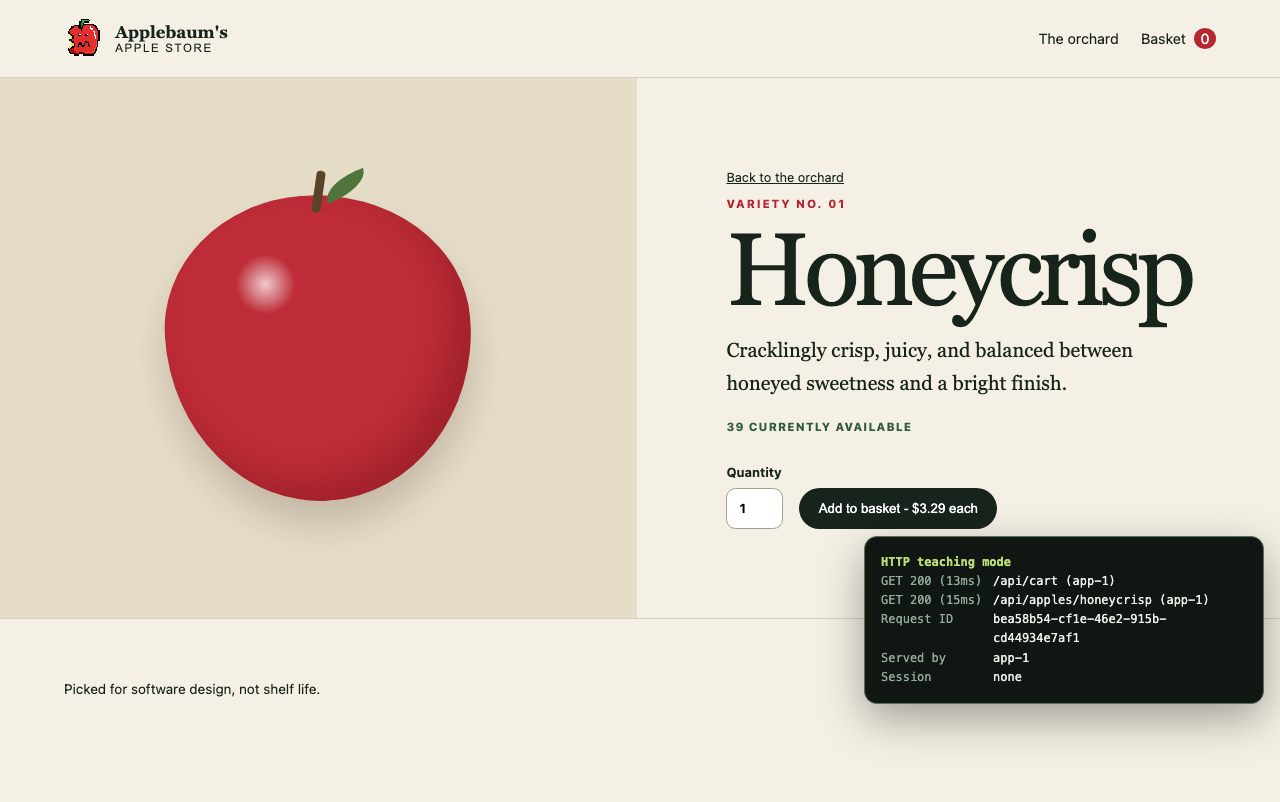
The product page and teaching panel provide visible starting points for tracing a request.
1. Capture a cart request
- Open your browser's developer tools.
- Select Network and clear the request list.
- Add three Honeycrisp apples to your basket.
- Select the request to
/api/cart.
Record these details:
| Evidence | What to capture |
|---|---|
| Request | Method, URL, JSON body, Content-Type, and X-CSRF-TOKEN |
| Browser state | Cookie names, but not cookie values |
| Response | Status, Content-Type, relevant headers, and JSON body |
| Timing | Total request duration |
| Interface | How the basket changed after the response |
Explain why the basket could update without reloading the document.
2. Compare HTML and JSON
Run:
curl -i http://localhost:8000/apples
curl -i http://localhost:8000/api/apples
make demo-http
Compare the response status and Content-Type for the HTML storefront and product JSON. The demo also shows the cart's state-changing request.
3. Inspect checkout
Clear the Network list, then complete checkout with the placeholder details. Record:
- The checkout method and path.
- The response status and
Locationheader. - The order links in the JSON response.
- The next request made by React.
Checkout returns 201 Created; it does not return a redirect. React reads the response and navigates to the confirmation page. Contrast this with the document redirect from / to /apples.
Checkpoint
Before continuing, you should be able to identify the client, method, path, headers, body, status, and response for one storefront action.