Investigate Applebaum's Apple Store
Motivation
Web applications cross several boundaries: browser, network, server code, storage, and deployment. A page can appear to work while hiding problems with state, failure, or multiple server instances.
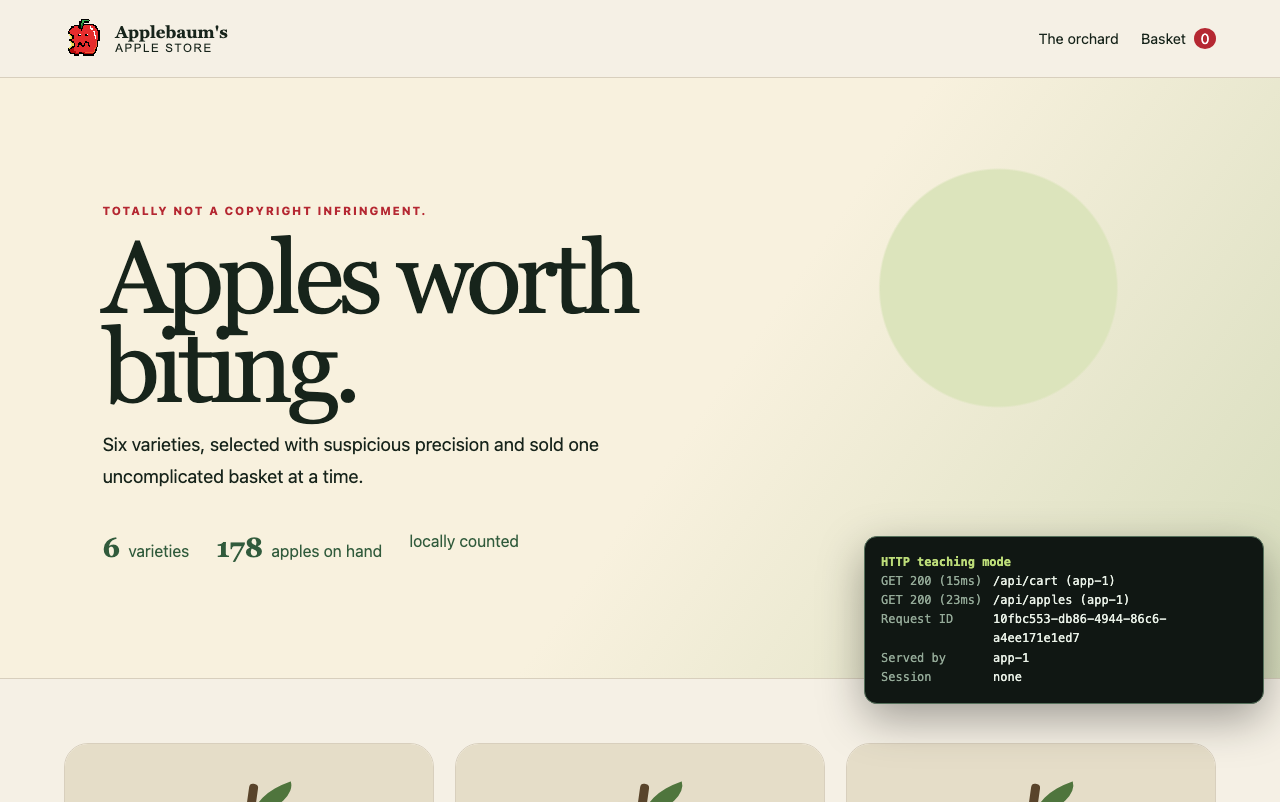
In this lab, you will investigate a working Laravel apple store. You will collect evidence from the browser, application code, tests, logs, and controlled experiments instead of guessing how the system behaves.
Goals
By the end of the lab, you will be able to:
- Connect browser activity to HTTP requests and responses.
- Trace a request through a Laravel route, controller, service, and model.
- Distinguish cookies, sessions, cache entries, local files, and database records.
- Use tests, logs, and repeatable experiments as evidence.
- Explain how scaling, latency, failure, and concurrency affect a web application.
The checkout form contains safe placeholder information and does not collect payment. Do not enter real customer, payment, cookie, CSRF token, or environment data in the application or your report.
Continue to Start the Apple Store, then complete the lab steps in order. Record evidence first; interpret it second.